What Should You Do If Your Hard Drive Is Failing?
From the Synergy Tech Repair article archive.
By Synergy Tech Repair
Your hard drive is one of the most important parts of your computer. It stores your family photos, documents, emails, business files, and memories. Unfortunately, hard drives don't last forever, and when they fail, data can be lost permanently.
The good news? Most failing hard drives give warning signs before they completely die.
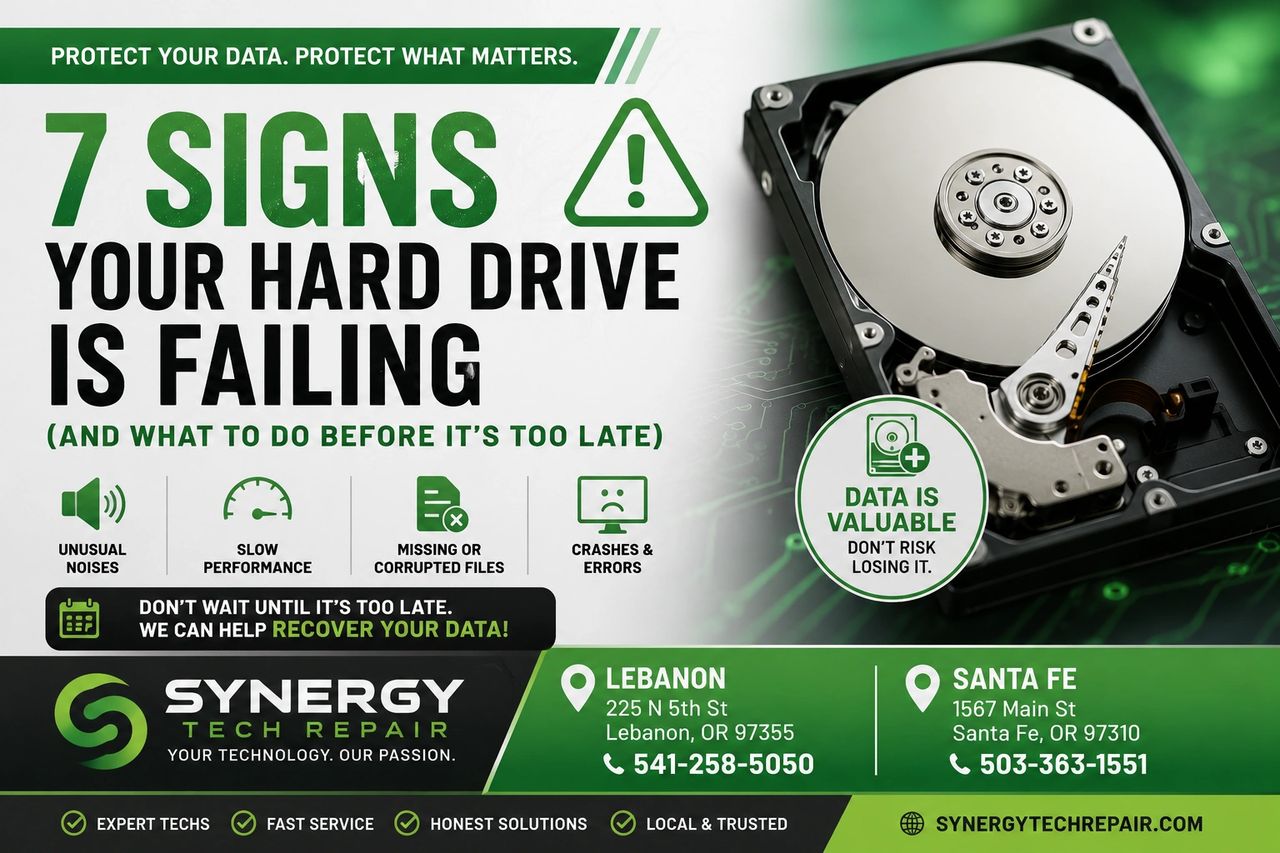
Here are seven signs to watch for.
1. Clicking, Grinding, or Unusual Noises
A healthy hard drive should be relatively quiet. If you hear clicking, grinding, buzzing, or repetitive ticking noises, the drive may have a mechanical failure.
This is often called the "click of death" and can indicate that the drive's read/write heads are failing.
What to do: Turn off the computer and avoid repeatedly restarting it. Continuing to use the drive can make data recovery more difficult.
2. Your Computer Is Suddenly Running Extremely Slow
If your computer was working fine and suddenly becomes painfully slow, freezes frequently, or takes forever to open files, your hard drive may be struggling to read data.
Many people assume they have a virus, when in reality the drive itself is failing.
What to do: Back up important files immediately.
3. Files Are Missing or Becoming Corrupted
Pictures won't open. Documents suddenly say they're damaged. Folders disappear.
These are major warning signs that your hard drive may be developing bad sectors.
What to do: Stop saving new files to the drive and begin backing up your important data.
4. Frequent Freezing and Crashing
Does your computer lock up for several minutes at a time? Are you seeing programs stop responding or random crashes?
Hard drives often struggle to read damaged portions of the disk, causing Windows to freeze while waiting for data.
What to do: Save important files as soon as possible and have the drive tested.
5. Blue Screens and Boot Errors
Common messages include:
- No Boot Device Found
- Operating System Not Found
- Disk Read Error Occurred
- SMART Hard Disk Error
These errors can indicate serious hard drive issues.
What to do: Avoid repeatedly restarting the computer. Every attempt can put additional stress on a failing drive.
6. Strange Clicking During Startup
If your computer powers on but repeatedly clicks and never loads Windows, the hard drive may be unable to initialize.
This type of failure often requires professional data recovery methods.
What to do: Power down the computer and seek assistance before the drive deteriorates further.
7. The Computer Doesn't Detect the Drive at All
If the hard drive suddenly disappears from the BIOS or is shown as RAW, unallocated, or inaccessible, the drive may be experiencing severe logical or physical failure.
In some cases, the data can still be recovered, but time matters.
What to do: Stop using the drive and avoid formatting it.
- Stop using the computer if possible.
- Do not install recovery software onto the failing drive.
- Avoid repeatedly rebooting the computer.
- Back up important files immediately if the drive is still accessible.
- Seek professional help if the drive is making noises, showing as RAW, or not being detected.
At Synergy Tech Repair, we help customers in Lebanon, Oregon and Santa Fe, New Mexico with hard drive diagnostics and data recovery services. Whether your drive is running slow, making clicking noises, or has completely failed, we can evaluate the situation and determine the best recovery options.
Need help recovering your files? Contact Synergy Tech Repair today for a professional evaluation before more data is lost.