Scam Alert: The Most Common Tech Support Scams Targeting Seniors
From the Synergy Tech Repair article archive.
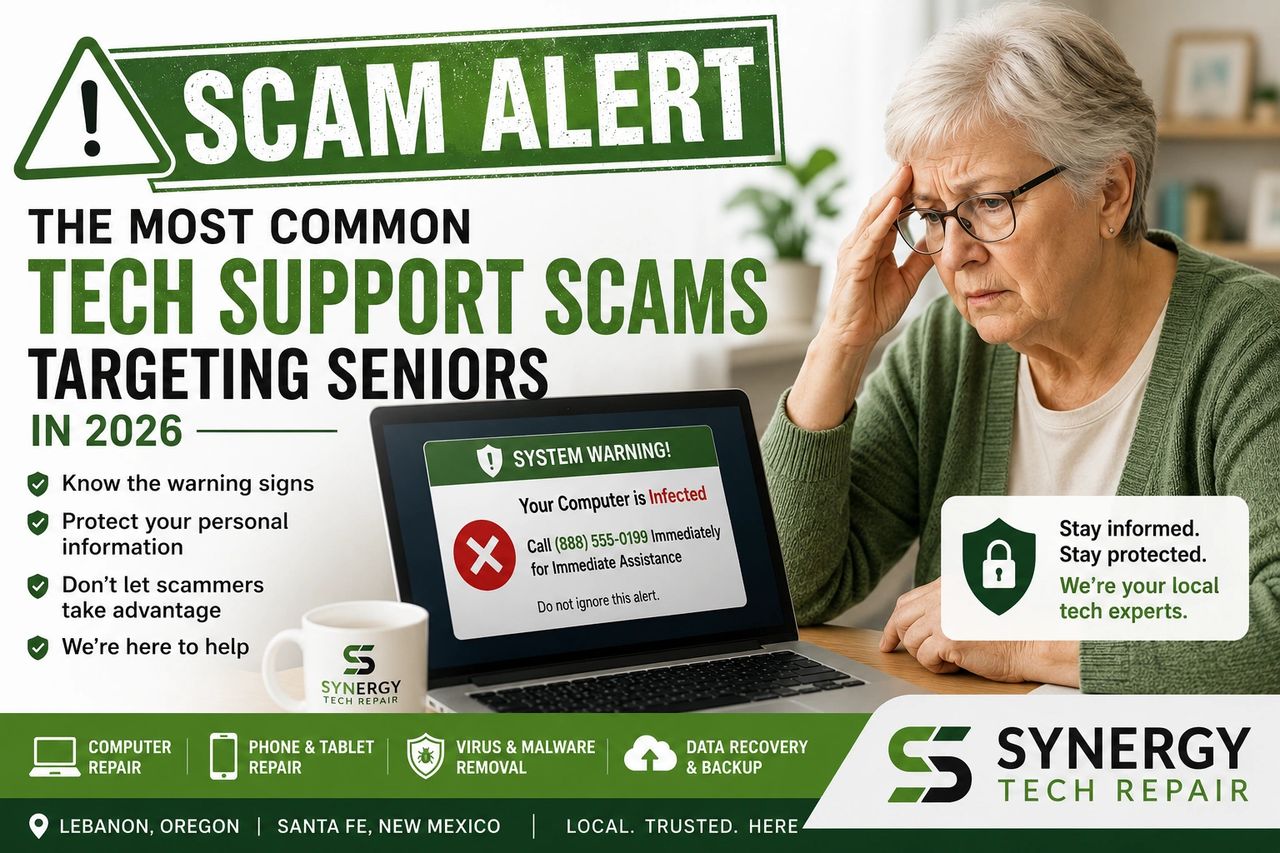
Technology has made it easier than ever to stay connected with family, manage finances, and access important services. Unfortunately, scammers have become increasingly sophisticated, and many of today's scams are specifically designed to target seniors.
At Synergy Tech Repair, we've seen firsthand how convincing these scams can be. The good news is that knowing what to watch for can dramatically reduce your risk.
Scam #1: The "Microsoft" Pop-Up Warning
One of the most common scams begins with a frightening message that suddenly appears on your computer screen.
The message may claim:
- Your computer is infected with viruses
- Your personal information has been stolen
- Your device has been locked
- You must call a phone number immediately
The screen may even display official-looking logos from Microsoft, Apple, or antivirus companies.
The Truth
Legitimate companies do not lock your screen and demand that you call a phone number.
If you see one of these pop-ups:
- Do not call the number.
- Do not allow anyone remote access to your computer.
- Close your browser or restart your device.
- Contact a trusted local technician if you're unsure.
Scam #2: The Fake Tech Support Call
Scammers often call claiming to be from Microsoft, Apple, Amazon, Norton, or another well-known company.
They may say:
- Your computer is sending error messages.
- Your device has been hacked.
- Someone is using your accounts.
- They need remote access to fix a problem.
The Truth
No legitimate company monitors your personal computer and calls you unexpectedly about problems.
If someone calls claiming to be tech support:
- Hang up immediately.
- Never provide passwords.
- Never provide banking information.
- Never allow remote access unless you initiated the support request.
Scam #3: The Amazon or PayPal Charge Scam
You receive an email or text claiming you've been charged hundreds or even thousands of dollars for a purchase you never made.
The message urges you to call a number immediately to cancel the charge.
The Truth
The goal is not to refund money. The goal is to get you on the phone so scammers can gain access to your computer or financial information.
Before taking any action:
- Log directly into your Amazon, PayPal, or bank account.
- Verify transactions through official websites.
- Never use contact information provided in suspicious emails.
Scam #4: Gift Card Scams
Scammers frequently demand payment through:
- Apple Gift Cards
- Google Play Cards
- Steam Cards
- Target Gift Cards
- Walmart Gift Cards
They may claim to be from the IRS, a utility company, tech support, or even a family member in distress.
The Truth
Legitimate businesses and government agencies do not accept gift cards as payment.
If someone asks for gift card payments, it's almost certainly a scam.
Scam #5: The "Grandchild in Trouble" Scam
This scam preys on emotions.
A caller claims to be a grandchild, relative, or attorney and says there has been an emergency involving:
- An accident
- An arrest
- A hospital visit
- Travel problems
They urgently request money and ask you not to tell anyone.
The Truth
Scammers count on panic to prevent victims from verifying the story.
Always:
- Contact the family member directly.
- Call another trusted relative.
- Verify the situation before sending money.
How to Protect Yourself
A few simple habits can prevent most scams:
Slow Down
Scammers create urgency. Legitimate businesses allow time for decisions.
Verify Independently
Never use phone numbers, links, or contact information provided in suspicious emails, texts, or pop-ups.
Keep Software Updated
Security updates help protect against malware and online threats.
Ask for a Second Opinion
If something doesn't feel right, contact a trusted family member, friend, or local technology professional.
We're Here to Help
If you've received a suspicious pop-up, email, phone call, or text message, don't panic.
At Synergy Tech Repair, we're happy to help determine whether something is legitimate or a scam. A quick phone call or visit can often save hundreds—or even thousands—of dollars and prevent identity theft.
If you're unsure, ask before you click.
About Synergy Tech Repair
Synergy Tech Repair provides professional technology support, device repair, virus removal, data recovery, and business IT services from our locations in Lebanon, Oregon and Santa Fe, New Mexico.